
On the rim of Mars’ Grand Canyon
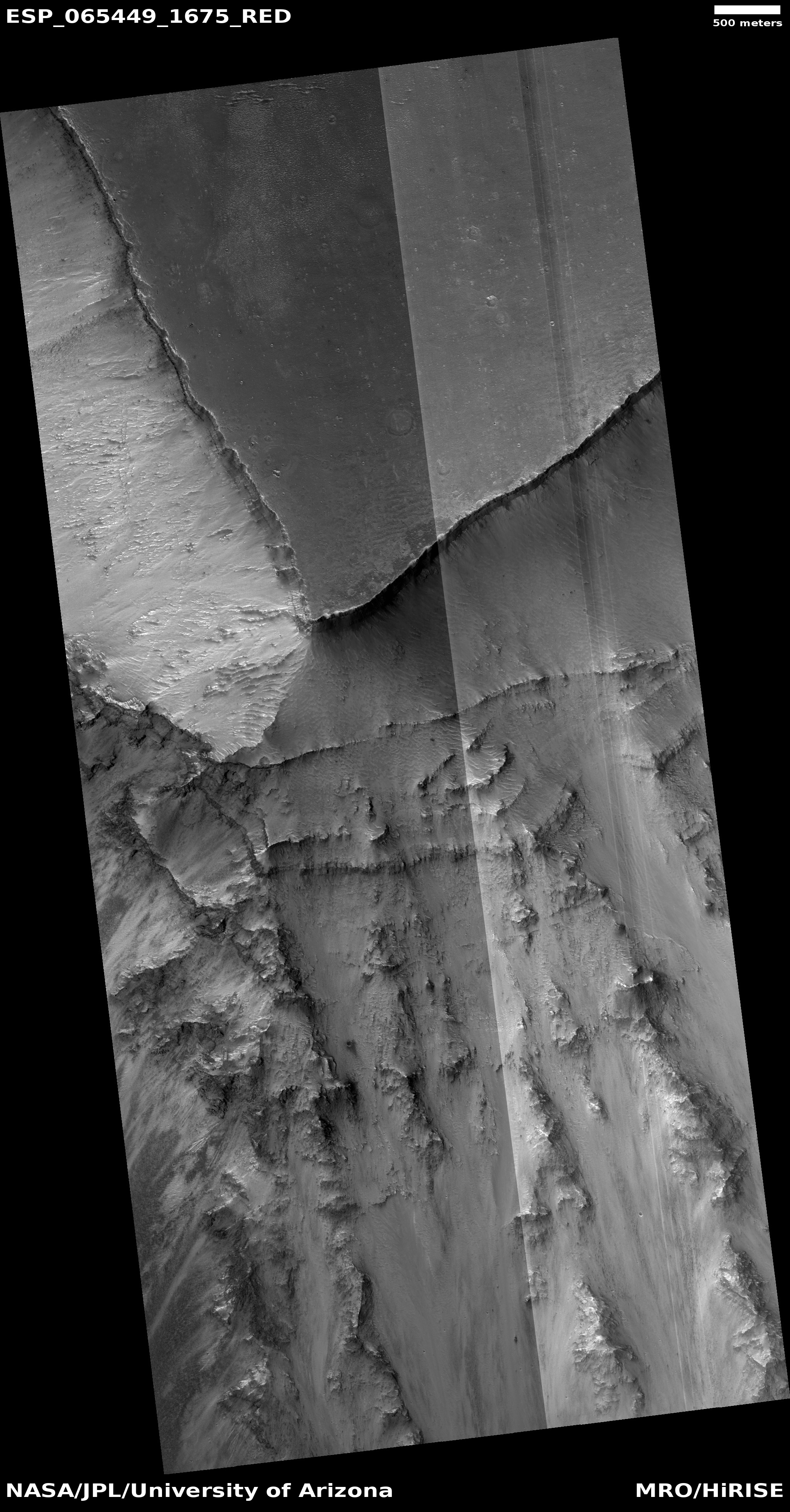
Click for full image.
Cool image time! Mars has many grand geological features that will surely attract tourists in the far future, when the planet has been successfully colonized and humans live there with the same ease that we today live in what was the New World wilderness several hundred years ago.
Of those features, none probably compare with Valles Marineris, the largest known canyon in the solar system. When compared to it, the Grand Canyon — at about a mile deep, about ten miles wide, and about 280 miles long — is a mere pothole, hardly noticeable. Valles Marineris averages a depth of five miles, a width of 370 miles, and a length of 1,900 miles. You could fit many Grand Canyons within it.
The photo to the right, cropped to post here, was taken on July 13, 2020 by the high resolution camera on Mars Reconnaissance Orbiter (MRO). It shows only a tiny section of this gigantic canyon’s rim. At this spot the depth from rim to floor is about 4.3 miles, or about 22,700 feet. In the image itself I estimate the cliff at the rim to be somewhere between 6,000 to 8,000 feet high, more than the depth of the entire Grand Canyon. And that’s only this top cliff.
The three overview maps below show the context of this location within Valles Marineris.
» Read more